Most “AI chat” widgets do one thing: you type, it answers. Attachments are an afterthought — a paperclip that dumps a file somewhere and shows a thumbnail.
When we added files to FodyChat, the interesting problems turned out to be almost nothing to do with the AI. They were about who the file is for, where it lives, and how big it is allowed to be.
Two buttons, not one
A file upload usually means one of two very different things:
- “Read this for me.” The visitor wants the assistant to understand the document. Text is extracted and fed to the model.
- “Keep this.” The visitor wants to share the file — a photo of a broken part, a receipt, a contract. No parsing, no AI. Just store it and show it.
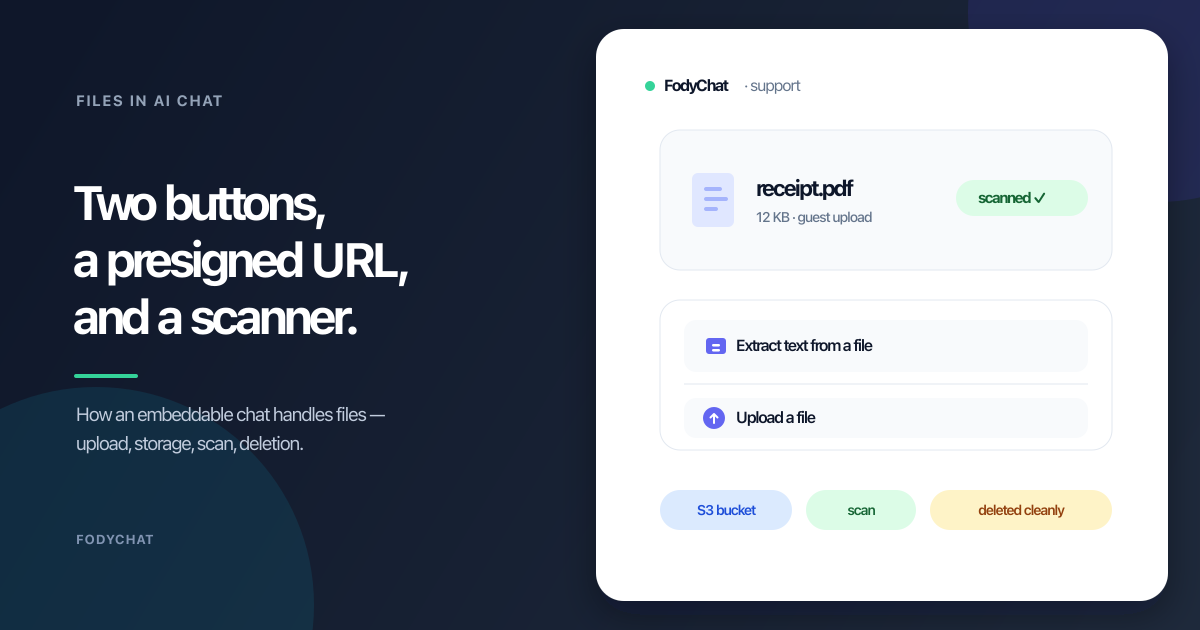
These want different limits, different failures, and different UI. So under the ”+” we put two items: Extract text from a file and Upload a file. The first drops extracted text into the input box for review before sending. The second attaches the file to the next message as a removable chip.
The transcription belongs to the receiver
Here’s a mistake we almost made: when a guest uploads a screenshot, we made the AI read it. But the AI isn’t usually the one who needs it. In a support chat, a screenshot means “here is what I see” — and the person who needs to understand it is the operator on Telegram, Slack, or email, not the bot.
So we invert the emphasis: vision transcription (OCR + a short description) is delivered to the receiving side. A guest’s file reaches the operator with the file itself and its transcription. An operator’s file reaches the guest as a card and an explanatory snippet of its text. The AI reading the image is a paid-tier extra, not the point.
Where the bytes live
By default, files go into our R2 bucket. But “your files are in our bucket” is a non-starter for some customers — data-residency, compliance, or just “we want to own it.” So storage is a small pluggable interface — put, get, delete — with two implementations: R2, and any S3-compatible bucket the customer brings.
That seam paid off twice. First, it gave us lifecycle hooks: afterPut/afterDelete can POST to a customer webhook, so they can chain OCR, virus scanning, or indexing into their own pipeline. Second, it opened the door to the large-file problem below.
The size ceiling nobody thinks about
Our per-plan limits were generous — up to “unlimited.” But an embeddable widget runs on Cloudflare Workers, and Workers has hard ceilings: a 100 MB request body and 128 MB of memory on the free plan. Read a 100 MB file, base64 it for the scanner, and you’ve blown the memory budget. “Unlimited” was a lie told by our own pricing table.
The fix has two layers:
- A global
MAX_UPLOAD_BYTES(25 MB by default) applied on top of the plan limit — the honest answer to “how big can a file be.” - For genuinely large files, presigned uploads to a customer’s own S3 bucket: the worker signs a
PUTURL, the browser streams the bytes straight to the customer’s bucket, and Workers never touches the payload. The limit becomes the customer’s S3 limit, not ours.
Scanning on a budget
Malware is the part nobody wants to think about, but a support chat receives arbitrary files that a human operator will open on their own machine. Full antivirus engines don’t fit in a serverless worker — ClamAV’s signatures alone are hundreds of megabytes. With zero customers and unknown demand, we did what’s free:
- Heuristics in the worker: reject executables by their magic bytes (MZ/ELF), verify an image actually looks like an image.
- An optional scanner webhook: if you configure
AV_SCAN_URL, we send the file out for a verdict and reject onmalicious. Fail-open — a dead scanner logs and allows rather than taking the whole chat down.
That’s not enterprise-grade antivirus. It’s the right 80% for free: stop the obvious abuse, and leave a clean seam for a real scanner when a customer actually asks for one.
The unglamorous part
None of this matters without retention. Orphaned uploads (never sent) expire in 24 hours; attached files expire per-plan; a tenant leaving cascades to its files. A file’s life ends the way it should: with its deletion.
And deletion is where everyone has the same scar. You send a message in one messenger, instantly regret it, hit “delete” — and only later learn the app deleted it for you, while everyone else still sees it. The mistake is treating “delete” as one action, when it is really two: remove the reference, and remove the thing itself.
Files have the same trap. Delete the database row and the bytes are still in the bucket — the chat says “gone,” the storage says “still here.” So FodyChat deletes both, every time: the bytes leave storage and the row leaves the database, on message deletion, on retention expiry, and when a tenant leaves. A deleted file is actually deleted.
If the storage is yours — a BYO S3 bucket or your own self-hosted stack — the files live in your bucket, not ours. The originals stay with you; we don’t keep a separate copy or take custody of them, and you stay in control of your own storage.
The result is a chat widget where files work the way files actually work in support: sent, received, read, scanned, and eventually deleted — with the storage and the limits under the customer’s control, not ours.